Chargebee + Visdum - Sales Commission Automation Made Easy
Introduction: Why this integration matters
If your finance or revenue operations team relies on Chargebee as your billing system to manage invoices and payment collections, you likely already know how critical accurate billing data is to your business operations. Chargebee helps you automate invoicing, track collections, and manage customer billing information, but it doesn’t automate the downstream process of turning that billing data into accurate sales commission payout statements.
Many teams still extract invoice reports from Chargebee, manually adjust spreadsheets with formulas for commission schedules and quotas, and spend countless hours reconciling numbers. Manual processes are time‑consuming and error‑prone, and they often lead to delayed payouts, disputes, and frustrated finance, sales, and revenue teams.
The manual back-and-forth isn't just time-consuming - it is risky.
This is where Visdum comes in. Visdum integrates directly with Chargebee, automating the flow of invoice and collection data into a commission automation engine so your commissions are accurate, timely, and audit‑ready - without spreadsheets. With Visdum and Chargebee working together, you get automated commission calculations that align payouts with collections, giving finance and sales teams full transparency and confidence.
The Manual Roadblock: Calculating Commissions from Chargebee Billing Data
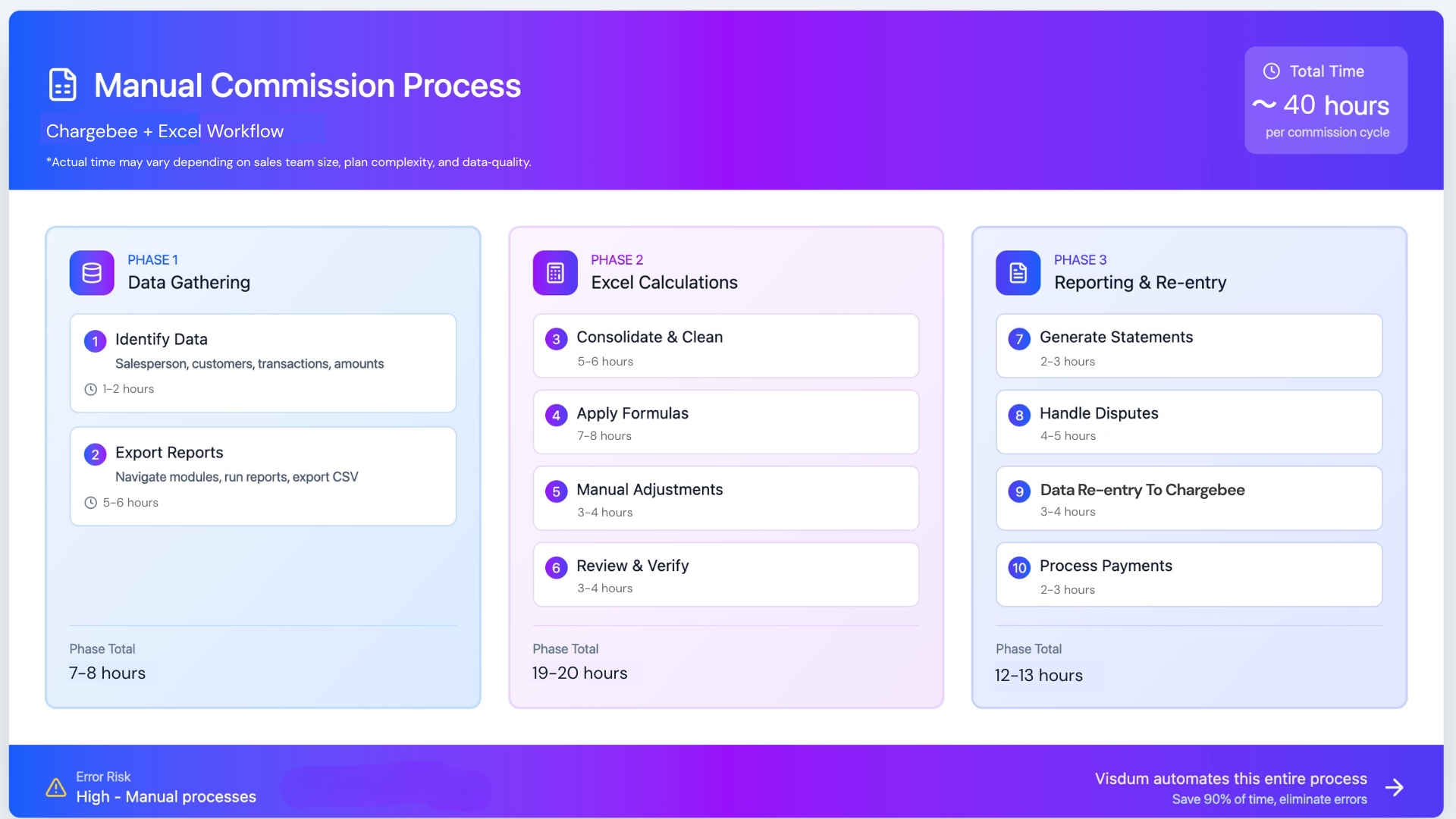
How teams calculate commissions manually using Chargebee exports:
- Time‑consuming exports: Finance teams regularly export invoice and payment reports from Chargebee and then use spreadsheets to calculate commissions.
- Mismatched information: When invoice adjustments, partial payments, or credit notes occur, spreadsheets quickly fall out of sync with real billing statuses.
- Limited visibility: Sales reps and operations teams often lack up‑to‑date visibility into earned and pending commissions tied to real collections.
- Delayed payouts: Manual counting and reconciliation delays commission payments, and erodes trust between teams.
Visdum eliminates these problems by connecting directly with your Chargebee billing data - capturing invoices, payments, and payment status - and using that data to automatically calculate sales commissions based on your defined compensation plans.
How the Visdum & Chargebee Integration Works
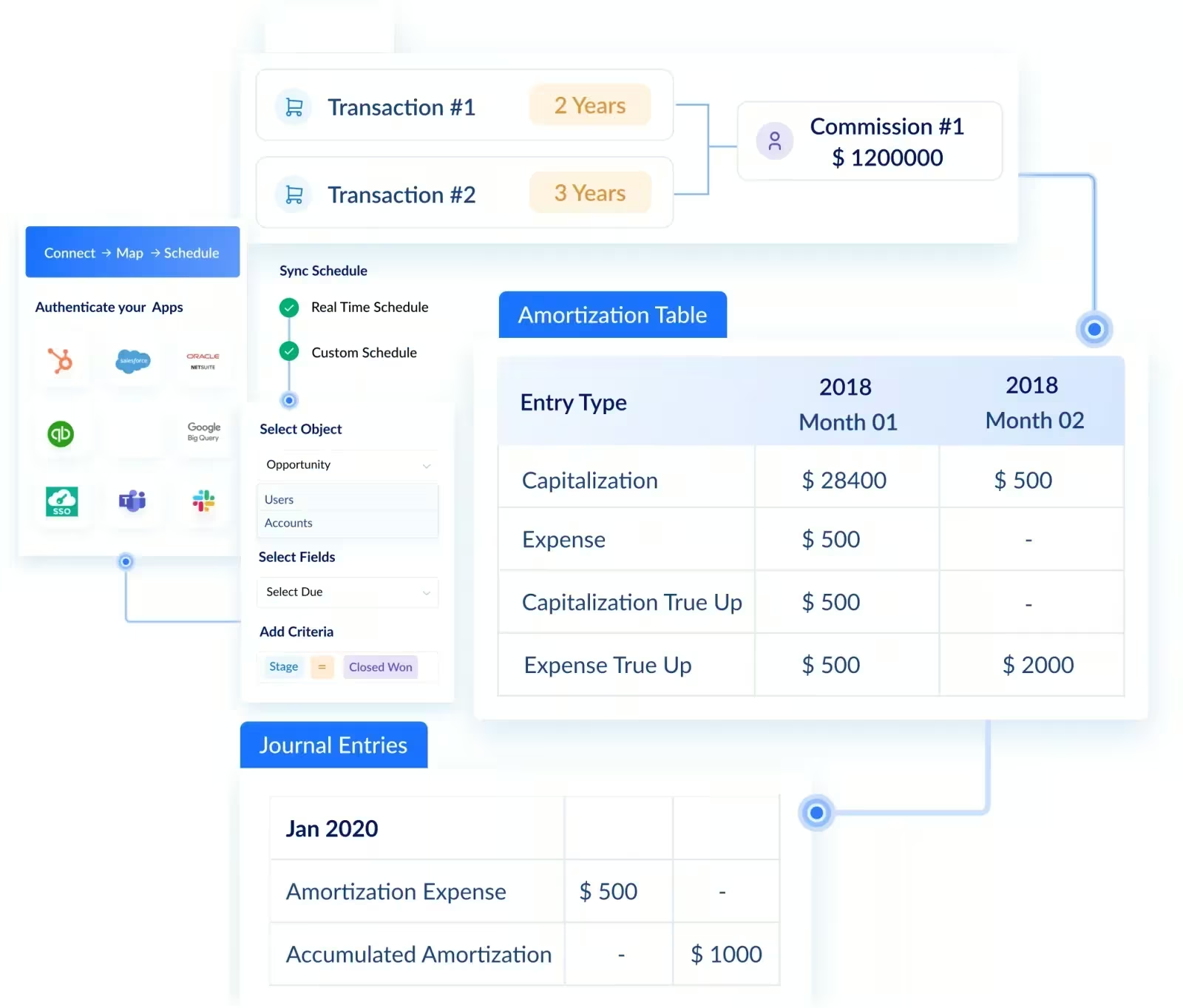
Visdum works alongside Chargebee, syncing key billing and payments data so that your commission payouts are directly tied to real invoice and collection events.
Here’s what this integration does for you:
Automates commission calculations
Rather than manually tallying percentages across spreadsheets, Visdum pulls invoice and payment records from Chargebee and applies your compensation rules automatically, reducing errors and saving hours of manual work.
Keeps data up‑to‑date
Invoices, payment statuses, and collections sync automatically into Visdum. Finance, sales ops, and revenue teams all work from a single, accurate data set, no more chasing numbers across systems.
Ensures accurate payouts
Payout logic that depends on billing events, such as paying only after a collection posts or handling partial receipts, is automatically enforced. This precision ensures everyone is paid exactly what the plan defines.
Provides clear visibility
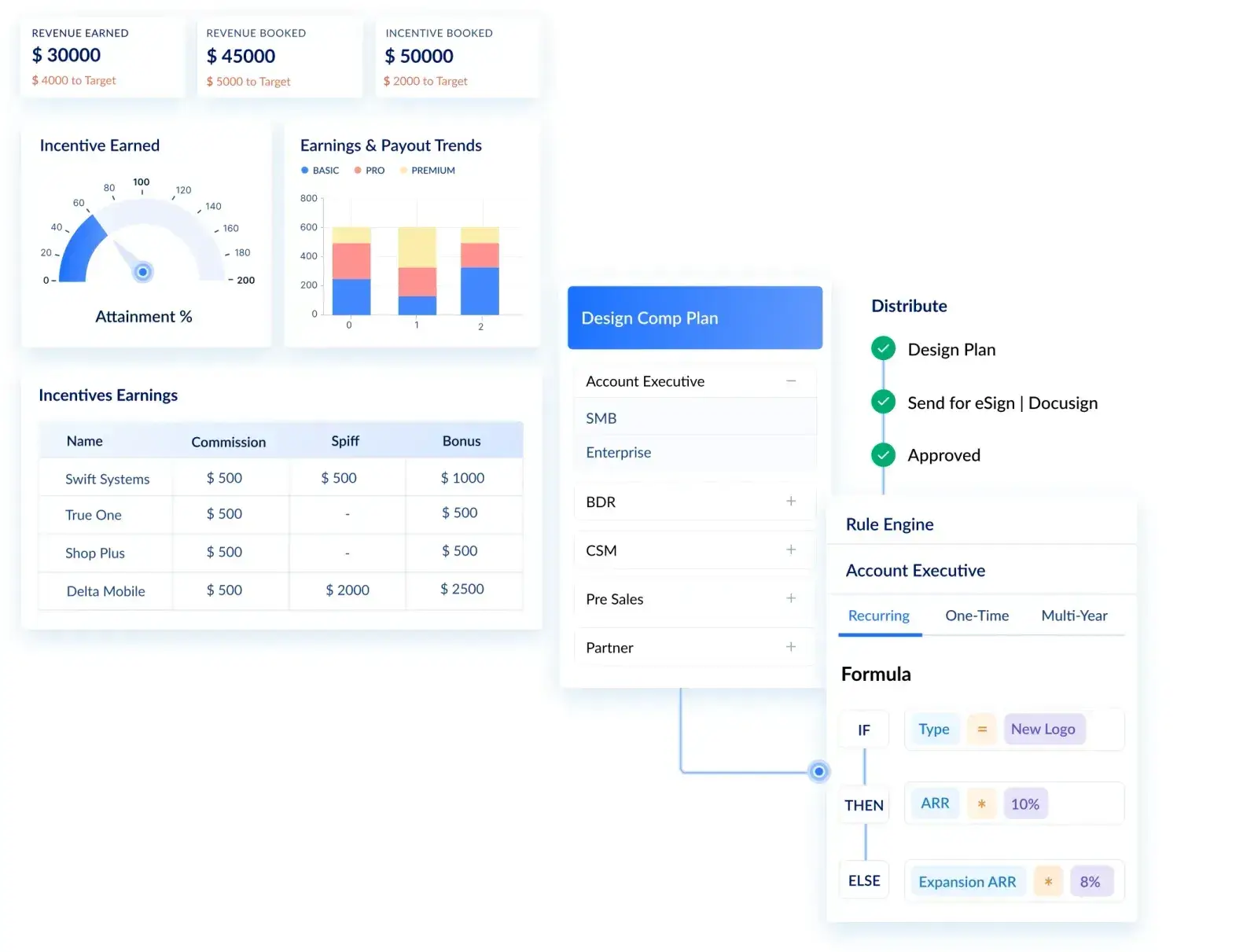
Dashboards in Visdum show commission attainment, pending invoices, collected revenue, and projected payouts - giving reps and managers real‑time insight into performance and earnings.
Makes plan changes easy
Compensation plan updates whether for new roles, products, territories, or commission rules are handled directly in Visdum’s rule engine, without touching Chargebee billing configurations.
Tracks everything for audits
Commissions are fully traceable back to Chargebee billing events, giving finance teams complete audit trails and supporting compliance.

Commission Management: Chargebee + Spreadsheets vs Chargebee With Visdum
Getting started: How to connect Visdum to Chargebee
Getting Visdum connected to Chargebee is simple and doesn’t require code or custom engineering. Your teams can set it up quickly and begin syncing invoice and payment data in minutes:
1. Log in to Visdum and add Chargebee as a connected application.
.avif)
2. Create a new data stream - choose it for the invoice data category.
.avif)
3. Map fields from Chargebee (invoice ID, customer ID, payment date, amount, status) to the corresponding Visdum fields so your commission engine interprets the data correctly.
.avif)
4. Set inclusion criteria - for example, only invoices above a certain value or only fully collected payments.
.avif)
5. Schedule the sync frequency - choose how often Visdum retrieves new billing data.
.avif)
6. Activate the integration to begin syncing live Chargebee billing events into Visdum for automatic commission calculation.
.avif)
Once connected, your commission schedules and payouts will begin reflecting actual billing and payment data, not manual Excel sheets, giving your teams confidence that commissions align with real revenue.
The Impact: How Teams Win with Chargebee + Visdum
When Chargebee and Visdum come together, the result is a commission workflow that’s accurate, transparent, and aligned with billing reality:
For Finance & Accounting Teams
- No more manual exports or reconciliations
- Payouts match your billing and cash flow
- Books closing faster and cleaner audits
For Sales & RevOps Teams
- Real‑time dashboards = fewer payout disputes
- Transparent tracking of earnings tied to actual collections
- More time for strategic revenue work, less for admin
For Leadership & FP&A
- Reliable data for forecasting and expense planning
- Streamlined compliance with clear audit trails
- Confidence that incentives reflect real business performance

FAQs
1. What Chargebee data can Visdum access for commissions?
Visdum pulls invoice and payment data, including invoice ID, amount, status, payment date. This ensures commissions are calculated based on actual billing and collections, not estimates.
2. Can commissions be calculated only after a payment is collected?
Yes. You can configure Visdum to trigger commissions based on payment receipt, partial collections, or full invoice closure, depending on your commission plan rules.
3. How often does Visdum sync with Chargebee?
You can schedule automatic syncs at intervals that suit your business (hourly, daily, or weekly) ensuring your commission data stays up‑to‑date with your billing system.
5. Is the Visdum and Chargebee integration secure?
Yes. Visdum connects via secure API endpoints, and sensitive billing or payment information is encrypted and stored according to compliance standards.
6. How hard is it to set up the integration?
Setup is straightforward. Map Chargebee fields to Visdum, define your inclusion criteria for invoices or payments, and schedule your sync - no coding required. You can start automating commissions within minutes.
.webp)