Replacing Excel for Sales Commission Tracking: When the Spreadsheet Stops Scaling

TL;DR: Excel works for commission tracking while you have one plan, a handful of reps and one data source. Once plans tier, split, claw back or pay on collections, formula errors, missing audit trails and rep disputes cost more than software. Replace it when admin time, disputes or audit risk compound.
Key takeaways
- A sales commission tracking spreadsheet fails quietly. Field audits of real business spreadsheets found errors in at least 86% of them, and the people who built them rarely spot their own mistakes.
- The trigger is complexity, not headcount. Tiers, splits, clawbacks, collections-based payouts and mid-year plan changes break Excel long before rep count does.
- Excel's biggest gap is auditability. There is no change log that shows who changed a rate, when, and why, which is what Finance and auditors ask for first.
- "Free" is not free. The real cost of Excel sits in admin hours, error leakage, disputes, shadow accounting by reps and key-person risk. The TCO table below lets you price it.
- Migration is a checklist, not a leap. Document plans, clean hard-coded cells, map data sources, then run software in parallel with your spreadsheet until the numbers match.
- Commission tracking software earns its cost when it removes compensation risk: automated calculations from CRM and billing data, rep-level visibility, approvals and a full audit trail.
Your commission spreadsheet is almost certainly wrong somewhere. That is not a guess about your team. Field audits of real business spreadsheets, summarized in research presented to the European Spreadsheet Risks Interest Group, found errors in at least 86% of the spreadsheets examined with modern audit methods.
The same research explains why nobody catches them. When spreadsheet builders were asked how likely they were to have made a mistake, the median guess was 10%. In fact, 86% had made one. Builders with 250+ hours of spreadsheet experience made errors at the same rate as novices.
Now put that error rate inside a sales commission tracking spreadsheet. A wrong cell there is not a bad forecast. It is a wrong paycheck, an overstated commission accrual, or a clawback nobody applied.
Finance leaders feel it before they can measure it. A CFO at a healthcare company put the core problem plainly on a sales call:
"In Excel, the biggest problem is auditing. There is no auditing, right? There is no change log."
Practitioners describe the same grind in public forums. In one CRM community post, an admin paying about 21 people each month listed their close routine: export deals, import them into a separate database, then reconcile payment data from seven Excel files, each in a different layout. They were budgeting $3,000 just to get a custom fix built.
Most advice at this stage says: build a better template. That misses the point. The real decision is not Excel versus software. It is whether your commission process needs to be auditable, explainable to reps, and survivable when the one person who understands the workbook is on leave.
This guide helps you make that call. It covers when a commission spreadsheet stops working, what it really costs (with a TCO table you can fill in), and a step-by-step checklist to migrate without breaking a single payout.
When does a sales commission tracking spreadsheet stop working?
A sales commission spreadsheet stops working when plan logic outgrows what one person can safely maintain by hand. Rep count matters less than people think. Complexity is what breaks it: more plans, more data sources, more exceptions.
Most growing teams pass through the same four stages.
By stage 3, a single payout cell often pulls rep type, region, bookings, quota, tier rates, collections and FX rates from four separate exports, and any of them can be stale. That is the stage where tiered commission and accelerator logic should move into a system built for it.
TL;DR: Excel is the right tool at stage 1. By stage 3, you are running a payroll-grade process on formulas that cannot be audited.
What are the signs you've outgrown Excel for commissions?
You have outgrown Excel when fixing the spreadsheet takes more time than analysing the results. Buyers on sales calls describe these six signals most often.
- Formulas get rebuilt every period: A Controller at a SaaS company described it this way: "because we're just rolling over a spreadsheet, it's not the exact same location of each cell every time. So then I'm kind of having to rebuild out the formulas each month."
- Errors cannot be traced: A RevOps lead at another SaaS company explained that data "builds one sheet off of another, off of another," so a wrong statement is very hard to trace back to its source.
- There is no audit trail: Nobody can show who changed a rate or an adjustment, and when. Auditors ask for exactly that. See commission audit trail.
- The file itself is struggling: A Controller at a professional services firm growing through acquisitions said "it's over 100 megs just the Excel file by itself just to run it."
- Senior people are doing clerical work. As a RevOps lead at a 650-employee company put it, "you have higher paid people doing this stuff."
- Reps keep their own sheets. When reps cannot see how a number was built, they rebuild it themselves. That shadow accounting takes time from selling and creates a second version of the truth for every dispute.
Not sure how many of these apply to you? The free Comp Plan Health Grader scores your plan in two minutes and flags the three fixes that matter most.
If three or more of these apply, the spreadsheet is already costing more than it saves. The next section shows how to put a number on it.
Can a better commission spreadsheet template fix the problem?
A better commission spreadsheet template buys time. It does not fix the structural gaps. Templates tidy up the formulas, but they still depend on manual exports, still have no change log, and still need someone to split a master file into private statements for every rep and manager.
The strongest argument for staying on Excel is flexibility. A RevOps lead at a SaaS company summed it up:
"At the moment we are doing things from Excel, which is manual, but is very flexible and customizable."
That concern is fair. It is also the right test for any commission tracking software: can it rebuild your exact plan logic, including the exceptions, without you writing macros?
If a vendor cannot reproduce last quarter's payouts from your real data, keep your spreadsheet. If it can, the flexibility argument no longer favours Excel.
What about ASC 606 and commission accounting?
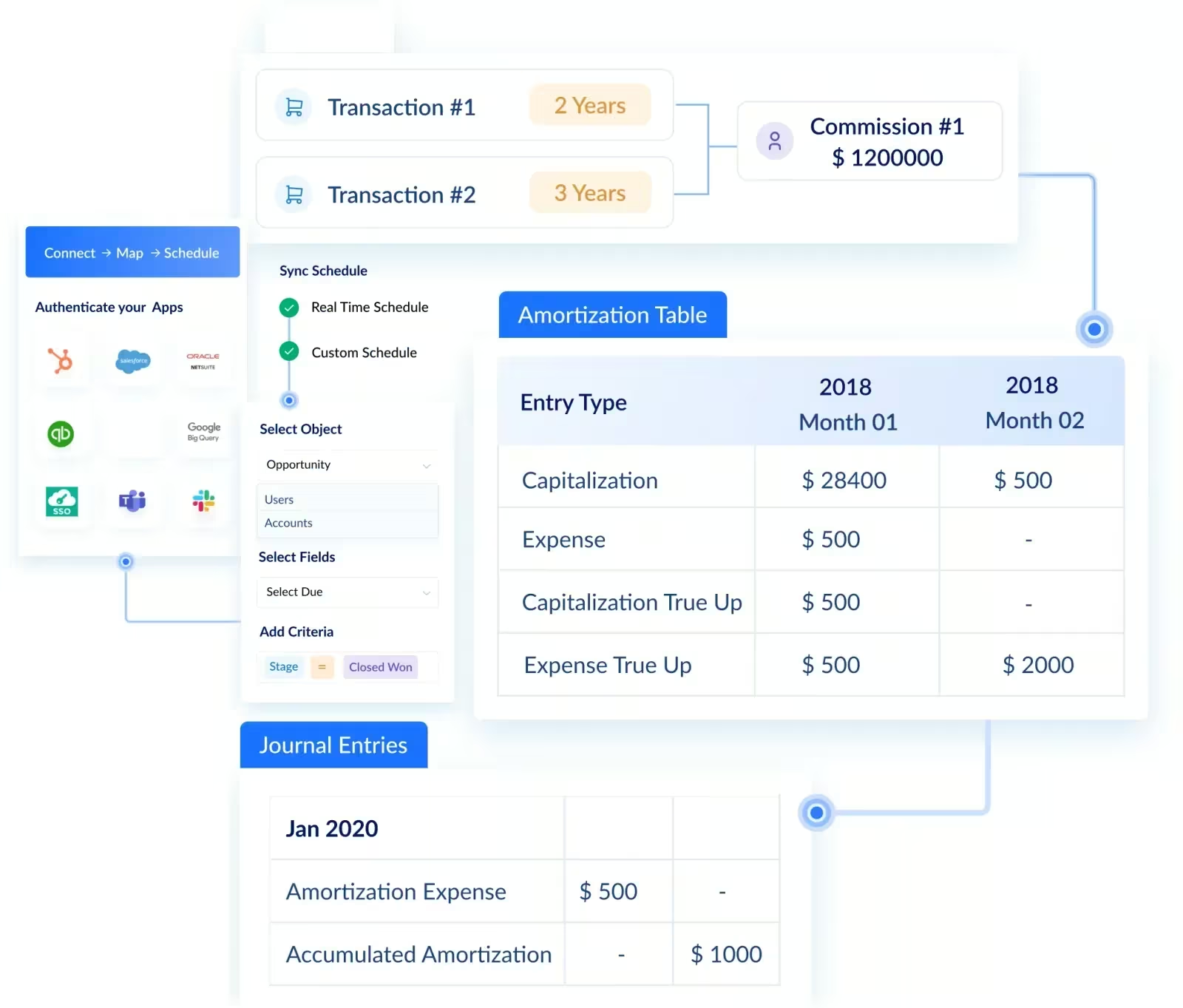
Under ASC 606 (with ASC 340-40), commissions that are incremental costs of obtaining a contract are generally capitalized and amortized over the period the customer is expected to benefit, not expensed on payout day. That means tracking a deferred commission balance per contract, and adjusting it when deals churn or get clawed back.
In a spreadsheet, that becomes a second workbook that depends on the first. One error in the payout file now misstates both payroll and the balance sheet. Finance teams that face an audit usually replace Excel here first.
What does Excel commission tracking really cost? (TCO table)
Excel has no licence fee, so most teams compare "free" against a software quote. That comparison is wrong. A compensation admin at an 80-payee insurance company summed it up on a sales call: "Free is very hard to argue with, but it's also easy to break." The honest comparison is total cost of ownership (TCO): everything the process costs you in a year, not just the tool.
Worked example: a 50-rep team
The numbers below are illustrative assumptions, not benchmarks. Replace each one with your own.
Even if you halve every assumption, the spreadsheet costs around $78,000 a year before anyone counts the risk of a late payroll or a failed audit. Compare that figure, not $0, against a software quote.
TL;DR: Price Excel on hours, leakage, disputes, shadow accounting and audit prep. Most teams at stage 3 find the spreadsheet is the more expensive option.
Want a faster estimate? Visdum's sales comp calculators help you model the cost of your current process.
How do you migrate commission tracking from Excel to software? (Checklist)
You migrate commission tracking safely by proving the new system matches your spreadsheet before you switch it off. The order below is what keeps payouts correct during the move.
1. Inventory every plan and exception:
List each plan, who is on it, the rates, tiers, caps, splits, clawback rules and one-off deals. Most teams find undocumented exceptions living only in cell comments.
2. Clean the hard-coded cells:
Find values typed over formulas, such as a departed rep whose cells were overwritten to stop paying commission. Mark them, decide the rule, and document it. The software needs rules, not overrides.
3. Move rates out of the workbook:
Buyers often say "our rates live in Excel." Rebuild them as rate tables in the new system and confirm each plan's logic can be configured without custom macros.
4. Map every data source:
Name the system of record for each input: CRM for bookings, billing or ERP for invoices and collections, HRIS for roster and start dates, payroll for payouts. Decide what syncs automatically and what you still upload.
5. Load historical data:
Import prior periods' deals and payouts so year-to-date attainment, accelerators and clawback windows calculate correctly from day one.
6. Run in parallel and backtest:
Calculate one or two closed periods in both systems. Reconcile every rep to the cent. The question a Manufacturing RevOps team asked in evaluation is the right bar: "Are you coming to the same number using the logic here?"
7. Set up approvals and adjustments:
Define who approves payouts and at what thresholds, and make sure every manual adjustment is logged with who made it and why.
8. Brief reps and managers:
Walk each rep through their live statement before the first payout. Visibility is what ends shadow accounting, so show reps how every number is built.
9. Cut over and archive:
Pay the first live period from the new system, then lock the old workbook as a read-only record for audit.
TL;DR: Inventory, clean, map, backtest, then cut over. Never switch off the spreadsheet until one full period reconciles to the cent.
How long does the migration take?
Timelines depend on plan count, data sources and how clean your exports are. As one reference point, a marketing automation SaaS company with 60+ commissioned sellers designed and deployed its full commission process on Visdum in under 3 weeks. Teams with many plans, multi-entity payroll or messy historical data should plan for longer and budget time for the parallel run.
Why Visdum fits teams replacing their commission spreadsheet
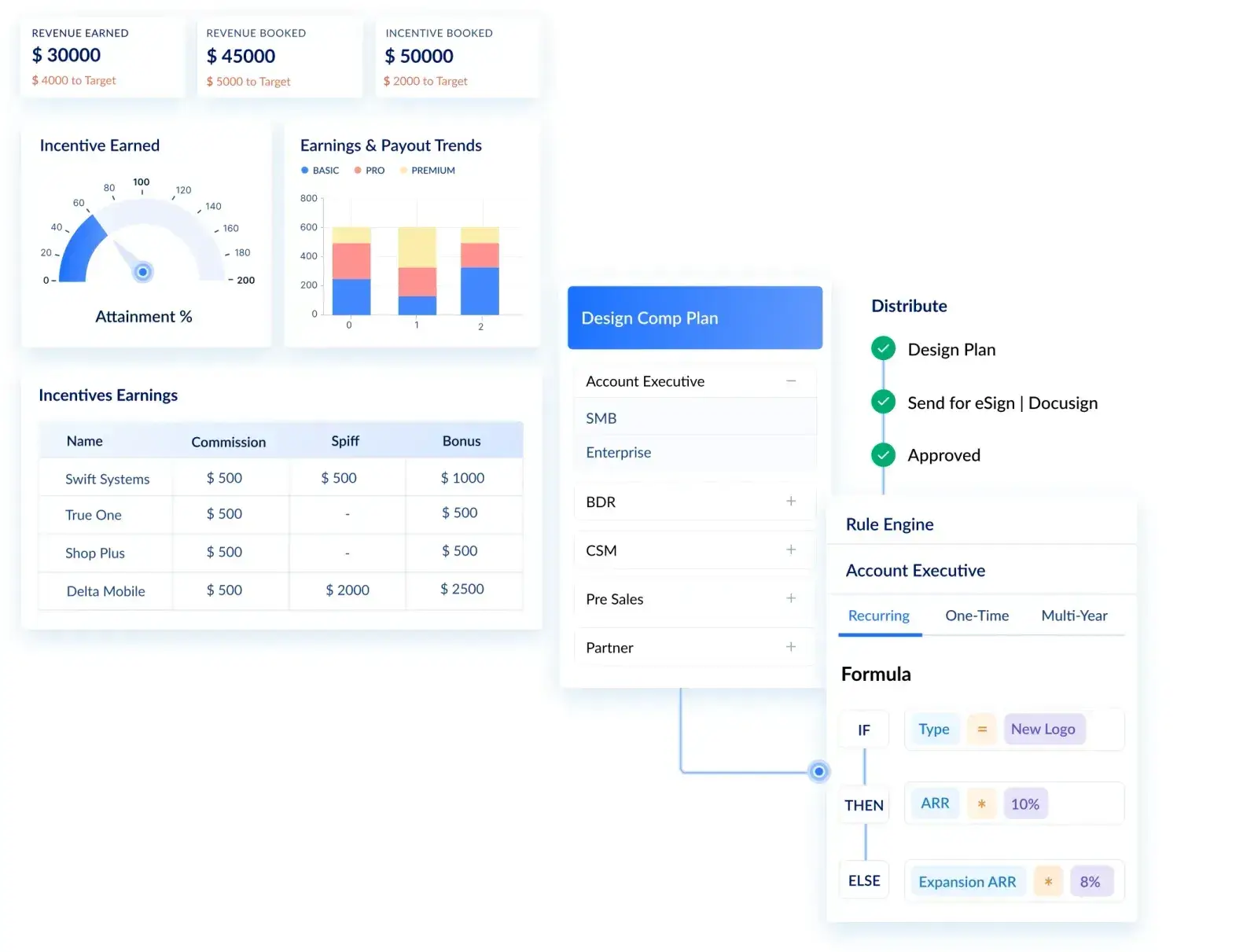
Teams leave Excel for three reasons: Finance cannot audit it, RevOps cannot scale it, and reps cannot trust it. You do not need a faster calculator. You need a compensation system that removes those three risks at once. That is what Visdum is built to do.
See how each piece works: the full list of 100+ integrations, how plans are designed and explained without formulas, and what reps see in their live commission statements.
The results show up in the close, not just the calculation:
- A marketing automation SaaS company with 60+ commissioned sellers cut its commission process from 168 hours to 6 and its monthly payout run from 3 days to 2 hours. Read the story.
- A conversational AI company paying 50+ reps across three continents, on booking, billing and collection events tracked in different systems, cut rep queries and disputes from 18 to 2 per quarter. Read the story.
Who is Visdum best for?
If you are in the right-hand column, keep your spreadsheet and revisit this checklist when your second plan or second data source arrives. If you are comparing vendors, our guide to the best commission software for mid-market companies scores eight tools on go-live time, pricing predictability and audit readiness.
FAQs
How do I calculate sales commission in Excel?
For a flat rate, multiply the sale by the rate: with the deal amount in A2 and the rate in B2, use =A2*B2. For simple tiers, nest IF statements, for example =IF(A2>250000,A2*0.05,IF(A2>150000,A2*0.03,A2*0.01)). Note that this pays the whole amount at one rate; paying each band at its own rate needs a lookup table and more formulas.
Is Excel good enough for sales commission tracking?
Yes, for a small team on one simple plan with one data source. It stops being good enough once you add tiers, splits, clawbacks, collections-based payouts or audit requirements, because Excel has no change log and depends on manual exports.
How do I automate sales commission tracking?
Connect your CRM and billing system to commission tracking software, rebuild your plans as rules inside it, backtest one or two closed periods against your spreadsheet, then cut over. The migration checklist above covers each step.
What is the best commission tracking software?
The best fit depends on plan complexity, CRM, payout triggers and how much configuration your team wants to own. Shortlist tools that can reproduce last quarter's payouts from your real data. Our mid-market and SaaS comparisons score the main options.
Is implementation included in the subscription price, or billed separately?
It varies by vendor, so ask every vendor to itemize subscription, implementation and integration costs in writing before you compare. For Visdum pricing based on your plans and team size, request a custom quote.
Can we upload historical commission data from our spreadsheet?
You should. Historical deals and payouts let the new system calculate year-to-date attainment, accelerators and clawback windows correctly, and they are what you backtest against. Confirm the import format with your vendor during evaluation.
Will reps see how their commission was calculated?
They should, and it is the fastest way to reduce disputes. A good commission statement shows each deal, the rate applied, any adjustment and the reason for it.
About Visdum
Visdum is sales compensation software for Finance, RevOps and Sales teams at mid-market and enterprise companies. It replaces commission spreadsheets with automated calculations, rep-level visibility, approvals, audit-ready reporting and ASC 606 support. Take a product tour, or talk to our team and see your own plans calculated on your own data.