Salesforce Integration: Methods, Best Practices, and Where Teams Go Wrong
.webp)
Salesforce integration problems rarely start because teams do something wrong. They start because organizations scale faster than their systems do. Nearly all enterprises (92%) are now deep into digital transformation, and 96% are using AI to move faster but the average enterprise still runs 897 applications, with only 29% actually integrated. That gap is where data silos form and trust breaks down.
We have seen Salesforce integrations go live successfully and still create problems months later, finance questions the numbers, commissions get disputed, and leaders fall back to spreadsheets.
This guide for small and mid-market enterprises, as well as growing organizations moving toward enterprise complexity and focuses on Salesforce integration as a revenue system challenge, showing how to connect CRM, finance, and revenue systems so data stays consistent, explainable, and trusted as businesses grow.
What is Salesforce Integration?
Salesforce integration is the process of connecting Salesforce with systems like ERP, billing, finance, commissions, and data warehouses so customer, revenue, and operational data stays consistent across the business.
Just configuring Salesforce as a CRM does not ensure its maximum benefits.. For mid-market and enterprise organizations, true success depends on how Salesforce integrates with finance, billing, and revenue systems to ensure data accuracy and operational trust.
When integrations are designed well, leaders get reliable forecasting, clean revenue reporting, fewer disputes, and faster close-to-cash. When integrations are designed poorly, teams fall back to spreadsheets, manual reconciliation, and shadow processes that undermine adoption.
Common Salesforce Integration Use Cases
Most organizations integrate Salesforce to remove manual handoffs and create one consistent revenue truth.
Here are the most common Salesforce integration use cases:
- Salesforce to ERP for orders, invoicing triggers, and account hierarchy alignment
- Salesforce to billing systems for subscriptions, renewals, upgrades, and cancellations
- Salesforce to finance systems for revenue reporting alignment and audit-ready approvals
- Salesforce to commission systems for crediting, statements, and dispute workflows
- Salesforce to data warehouse or BI for unified dashboards across CRM, billing, and finance
- Salesforce to identity and access systems for SSO, SCIM, and role-based access control
A reliable Salesforce integration is not “data moves.” It is “data moves, errors are visible, mismatches are explained, and ownership is clear.
Why Integrations Make or Break Salesforce Implementations
Most Salesforce “failures” are not CRM failures. They are revenue system failures. At scale, Salesforce CRM integration determines whether Salesforce operates as a system of record or just another data entry tool.
Integrations determine revenue trust
Finance and leadership need answers that match across systems:
- What was booked, when, and under what terms?
- What was invoiced, when, and why?
- What should be paid in commissions, and how was it calculated?
- What changed in pipeline and forecast, and when?
If Salesforce and finance systems disagree, teams spend time reconciling instead of operating.
Integrations determine adoption
Adoption is workflow, not training.
If reps must update Salesforce, then update another tool, then email Finance, then chase approvals elsewhere, shortcuts will form. Those shortcuts become the real process, and Salesforce becomes optional.
Integrations force decisions you cannot avoid
Salesforce integration requires clarity on:
- System of record for accounts, products, pricing, invoices
- Booked vs billed definitions
- What fields can change post-close and under what approvals
- How exceptions and reversals flow (refunds, credit notes, cancellations)
If these are not defined, integration work becomes a debate in production.
Salesforce Integration Methods
There is no single best method. The right Salesforce integration approach depends on complexity, latency needs, internal capability, and governance.
API-based Salesforce integration (point-to-point)
Direct APIs connect Salesforce to another system (or a custom service).
Where it fits
- A small number of systems
- Clear mappings and stable requirements
- You can maintain code and monitoring internally
Pros
- Flexible
- Can be real-time
- No middleware licensing
Cons
- Maintenance grows quickly as systems increase
- Monitoring and error handling are often underbuilt
- Scaling creates fragile point-to-point sprawl
Middleware or iPaaS-based Salesforce integration
An integration platform sits between systems to manage orchestration, transformation, and monitoring.
Where it fits
- Many systems and complex workflows
- You want standardized monitoring, retries, and governance
- You expect integrations to evolve frequently
Pros
- Central visibility and control
- Easier to add new systems later
- Stronger patterns for exception handling
Cons
- Adds platform cost and skill requirements
- Poor governance can create integration sprawl inside the platform
Common Salesforce integration tools include iPaaS platforms, managed connectors, and API-based services, each with different tradeoffs in flexibility, monitoring, and governance.
Native connectors and managed packages
Some systems offer native connectors or managed packages to connect to Salesforce.
Where it fits
- Standard use cases with standard objects
- You prefer faster deployment over custom logic
Pros
- Faster to deploy
- Vendor supported
Cons
- Less flexibility for enterprise-specific logic
- Monitoring and reconciliation still need ownership
- Edge cases often revert to manual processes
Real-time is not automatically better. It is more complex.
Use real-time when
- Latency changes business decisions (credit checks, provisioning triggers)
- Approvals and entitlements are time-sensitive
- Timing affects downstream workflows and customer experience
Use batch when
- Latency is acceptable (hourly or nightly)
- The primary need is analytics and reporting
- Cost and operational complexity outweigh benefits
Practical rule: choose real-time only where latency materially changes decisions.
These approaches are commonly delivered through Salesforce integration services, whether built in-house, supported by a Salesforce integration consultant, or implemented using a combination of internal teams and partners.
Salesforce CRM Integration: Connecting Finance and Revenue Systems
This is where Salesforce integration becomes a strategic differentiator: ERP, billing, commissions, and reporting.
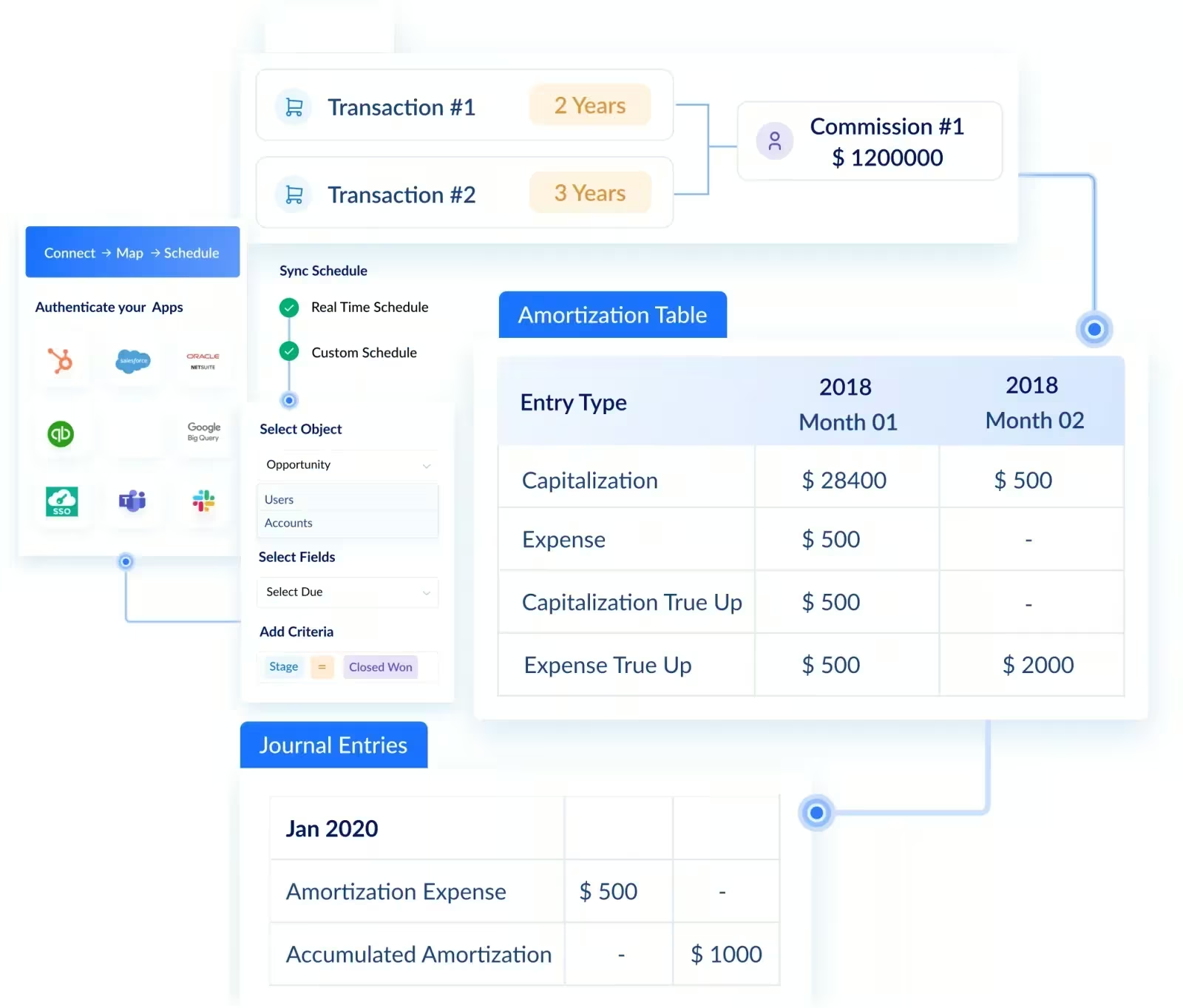
Salesforce ERP integration
ERP is where finance-grade truth often lives: orders, invoices, payments, and accounting controls.
Typical goals
- Align accounts and hierarchies
- Align products, product codes, and pricing logic
- Push bookings or orders from Salesforce to ERP (or reflect ERP truth back)
- Make invoice and fulfillment status visible in Salesforce
- Support auditability for order changes and approvals
Key decisions
- System of record for accounts and hierarchies
- System of record for products and product codes
- Trigger event for ERP record creation (closed-won, contract signed, provisioning complete)
- Treatment of amendments, cancellations, and credit notes
Enterprise-ready pattern
- Define a canonical identity model (account IDs, product codes, contract IDs)
- Build reconciliation reports that prove totals match
- Treat exceptions as first-class: queue, assign owners, resolve
Integrate Salesforce with billing systems
Billing systems require precision that CRM does not always enforce by default.
Typical goals
- Convert closed-won opportunities into billable subscriptions or orders
- Keep billing and invoice status visible to Sales and CS
- Handle upgrades, downgrades, renewals, and cancellations consistently
Fields that must be governed
- Close date vs contract start date vs effective date
- Product plan identifiers and price book integrity
- Discount approvals and exception rationale
- Term length, renewal dates, and proration rules
If billing depends on the field, you should treat that field like a control, not like a note.
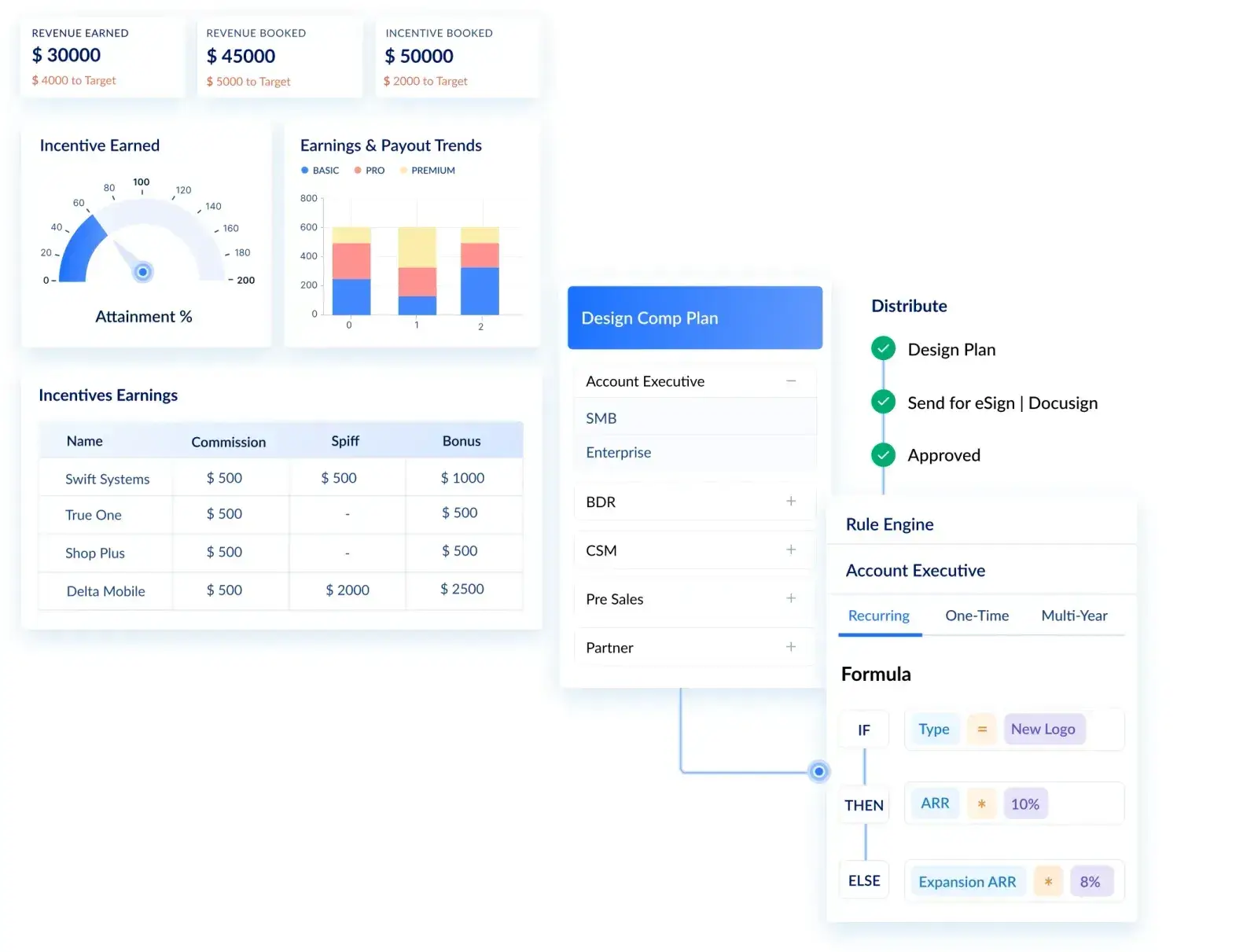
Salesforce commission integration
Salesforce commission integration is where trust becomes personal. When commission data is wrong, disputes increase, and leadership time gets consumed.
Typical goals
- Provide accurate crediting inputs (owner history, splits, products, dates)
- Automate adjustments (returns, cancellations, clawbacks)
- Provide transparent statements and dispute workflows
What commonly breaks commission outcomes
- Owner changes mid-period without history integrity
- Splits recorded inconsistently
- Product attribution or bundles that do not match comp rules
- Dates that change post-close without governance
This is where modern sales compensation platforms such as Visdum fit naturally. The goal is not only syncing data. The goal is delivering clean, governed, reconcilable commission inputs so Finance and Sales can trust the results.
Salesforce reporting and data warehouse integration
Many organizations unify Salesforce, ERP, billing, and product data in a warehouse for board reporting and analytics.
Typical goals
- Create a unified revenue dataset (pipeline, bookings, billings, renewals)
- Reduce spreadsheet consolidation and shadow reporting
- Support finance-grade dashboards and audit-aligned metrics
Best practices
- Use consistent IDs across systems (account, product, contract)
- Document metric definitions (pipeline, bookings, ARR) centrally
- Build automated data quality checks (missing keys, mismatches, duplicates)
Strong Salesforce data integration ensures pipeline, bookings, billings, and renewals align across CRM, ERP, and finance systems without manual reconciliation.
Salesforce Integration Best Practices For Enterprises
Enterprise Salesforce integration succeeds when it is treated like a product with owners, SLAs, monitoring, and change management.
1) Define data ownership and systems of record
Start with a simple ownership map:
- Accounts and hierarchies
- Products and product codes
- Contracts, invoices, and payment status
- Identity and access mapping
Then document your system of record decisions.
✅Use the checklist to force these decisions early: Salesforce Implementation Checklist for Mid-Market and Enterprise Teams.
2) Build error handling and visibility by design
Enterprise-grade integrations require:
- Retry logic where applicable
- Exception queues with assigned owners
- Alerts for failures and SLA breaches
- Runbooks for repeatable incident response
Silent failures create business surprises.
3) Build reconciliation into the scope
Reconciliation is the difference between “integration exists” and “integration is trusted.”
Examples:
- Closed-won in Salesforce vs orders created in ERP (by day)
- Product code consistency (CRM vs billing)
- Owner and split integrity (commission inputs)
- Renewal date alignment (CRM vs billing)
4) Enable audit trails for critical fields
Audit trails support compliance, but also explainability.
Fields that often require auditability:
- Amount, stage, close date
- Discount approvals and overrides
- Product changes post-approval
- Owner and split changes
- Effective dates and term changes
5) Design for scalability and change
Integrations change when your business changes.
Best practices:
- Version mappings and contracts
- Establish release cadence and regression tests
- Avoid hard-coding business logic that belongs in governance
- Document why decisions were made, not only what was built
Many organizations engage Salesforce integration consulting partners to design architecture and guardrails, while retaining internal ownership of data, governance, and decision-making.
📍Want a printable version for workshops and go-live readiness reviews? Download the checklist and share it with your project team.
Salesforce Integration Mistakes to Avoid
Mistake 1: Building integrations before system-of-record decisions
If you do not decide who owns accounts, products, and invoices, you will build competing truths. That creates reconciliation work forever.
Mistake 2: Choosing real-time because it feels modern
Real-time adds cost and operational risk. Use it only where latency changes outcomes.
Mistake 3: Treating monitoring as optional
Without monitoring, failures become surprises:
- missing invoices
- incorrect commission credits
- broken handoffs
- inaccurate dashboards
Monitoring protects revenue trust.
Mistake 4: Leaving critical fields editable without governance
Editable fields that drive billing, finance reporting, and commissions create disputes.
Lock down what matters, track changes, and require approvals.
Mistake 5: Underestimating data cleanup
Messy data will move faster through integrations. That does not create trust. It creates faster confusion.
Mistake 6: No clear owner for integration incidents
When incidents happen, you need one owner coordinating resolution and communication.
This is governance, not only technical support.
Conclusion
Salesforce integration is where CRM either becomes a trusted revenue system or quietly fails at scale. Most teams don’t struggle because integrations are impossible, they struggle because ownership, governance, and reconciliation were never designed upfront.
The MuleSoft Connectivity Benchmark makes this clear: disconnected systems don’t just slow transformation, they erode trust. And once finance, sales, or leadership stops trusting the data, no amount of dashboard polish fixes the problem.
The teams that get Salesforce integration right treat it like a product, not a project. They define systems of record, lock down revenue-critical fields, invest in monitoring, and make reconciliation part of the design.
When that happens, Salesforce stops being “where data goes” and becomes the system the business actually runs on.
📍 If you’re planning a full rollout, not just integrations, this guide covers the complete Salesforce implementation lifecycle, from alignment through governance.
FAQs
What is Salesforce integration?
Salesforce integration is the process of connecting Salesforce with other business systems such as ERP, billing, finance, commissions, and data warehouses so data stays consistent and workflows run end-to-end without manual handoffs.
What tools support Salesforce data integration?
Salesforce data integration is commonly supported through Salesforce APIs, middleware or iPaaS platforms, and native connectors for ERP, billing, and analytics systems.
What systems integrate with Salesforce?
Salesforce commonly integrates with ERP, billing, finance, commission, identity, and data warehouse systems. These integrations help maintain consistent customer, revenue, and operational data across the business.
Why do we need integration in Salesforce?
Salesforce integration is needed to keep data consistent across systems, eliminate manual handoffs, and support accurate forecasting, billing, and reporting. Without integration, teams rely on spreadsheets and workarounds that reduce trust in CRM data.
How do you integrate Salesforce with other systems?
Most teams integrate Salesforce using API-based connections, middleware or iPaaS platforms, or native connectors. The right method depends on complexity, number of systems, monitoring needs, and whether the integration must run in real-time or can be batched.
What are Salesforce integration best practices?
Salesforce integration best practices include defining systems of record, assigning data owners, building monitoring and error handling, implementing reconciliation reports, enabling audit trails for critical fields, and designing integrations that scale with changes in products, territories, and approval workflows.
What is the best way to integrate Salesforce with ERP?
The best approach is to define what system owns accounts and products, map IDs and product codes consistently, automate order creation or updates with clear triggers, and build reconciliation so Salesforce and ERP totals match. Use monitoring and exception queues to avoid silent failures.
Should Salesforce integrations be real-time or batch?
Use real-time when latency changes business decisions or customer experience, such as provisioning triggers or time-sensitive approvals. Use batch when latency is acceptable and the main need is reporting and analytics. Choose based on impact, not preference.
How do you integrate Salesforce with commission systems?
Identify the commission-impacting fields (owner history, splits, product attribution, dates), lock down what matters, track changes, and send clean, reconcilable data to the commission system. Build exception handling and reconciliation so Finance can explain outcomes confidently.
.webp)